iOS Cloud App Help
Opening audio files from your cloud apps
In order to open files from your cloud provider, the provider's app must be already installed on your device.
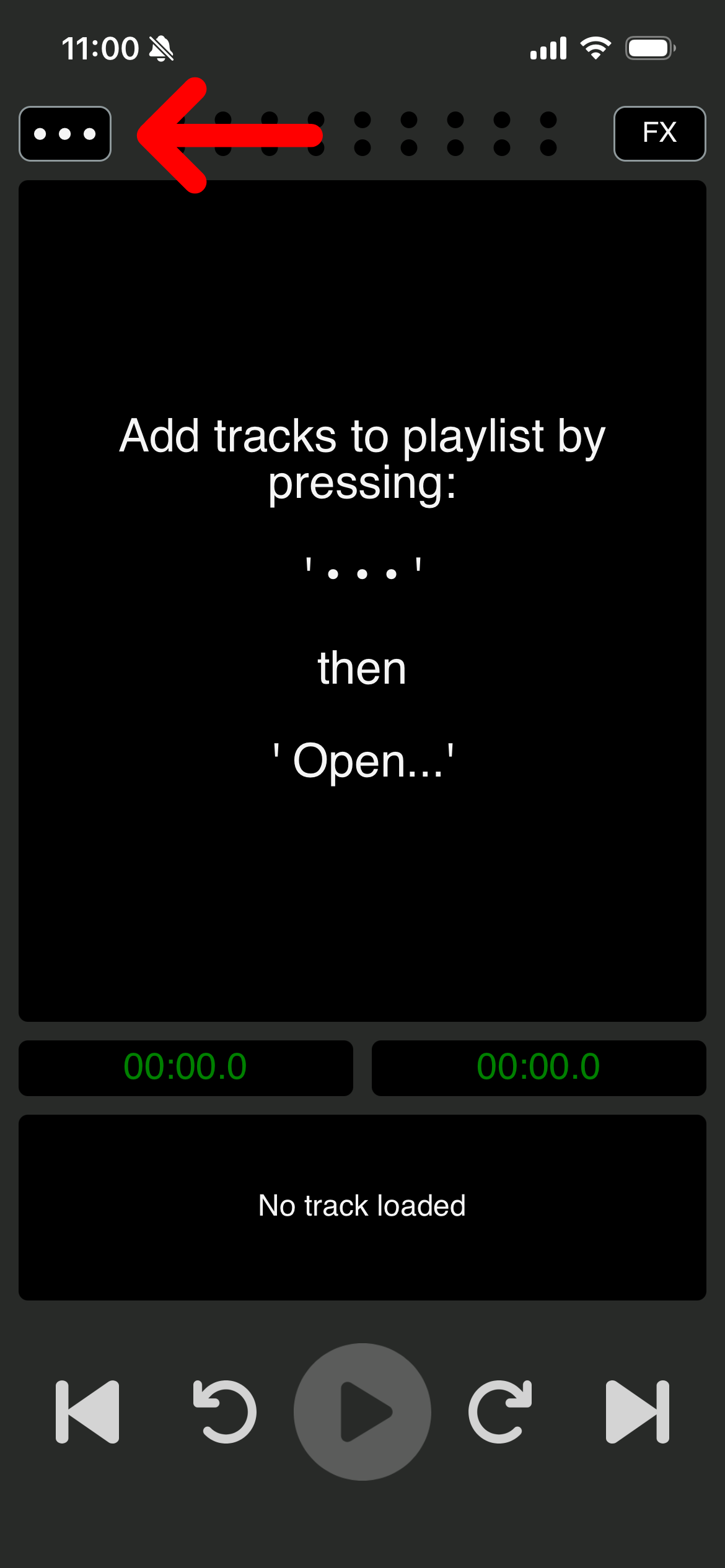
1. Press the three dots menu button
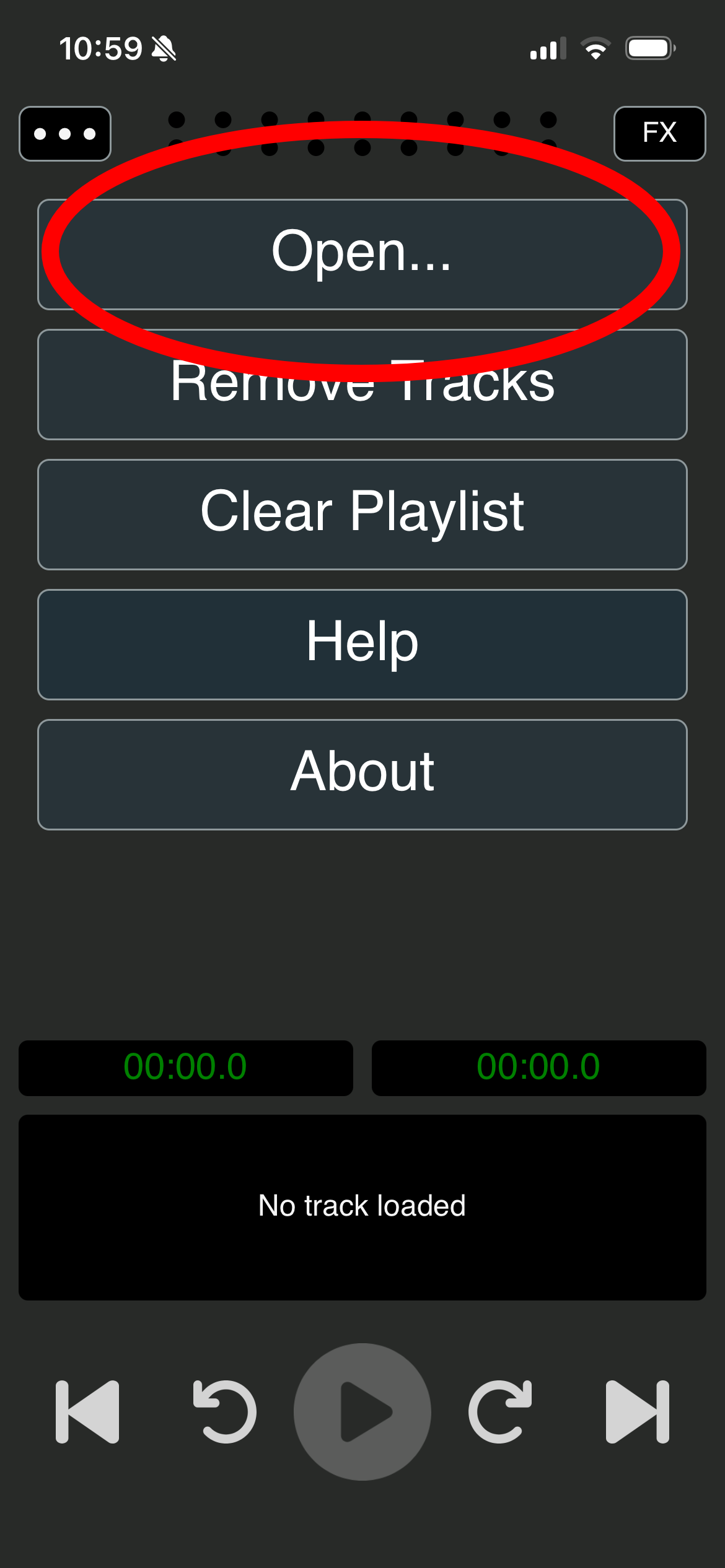
2. Press 'Open'
3. Press the back button until you reach the top level folder
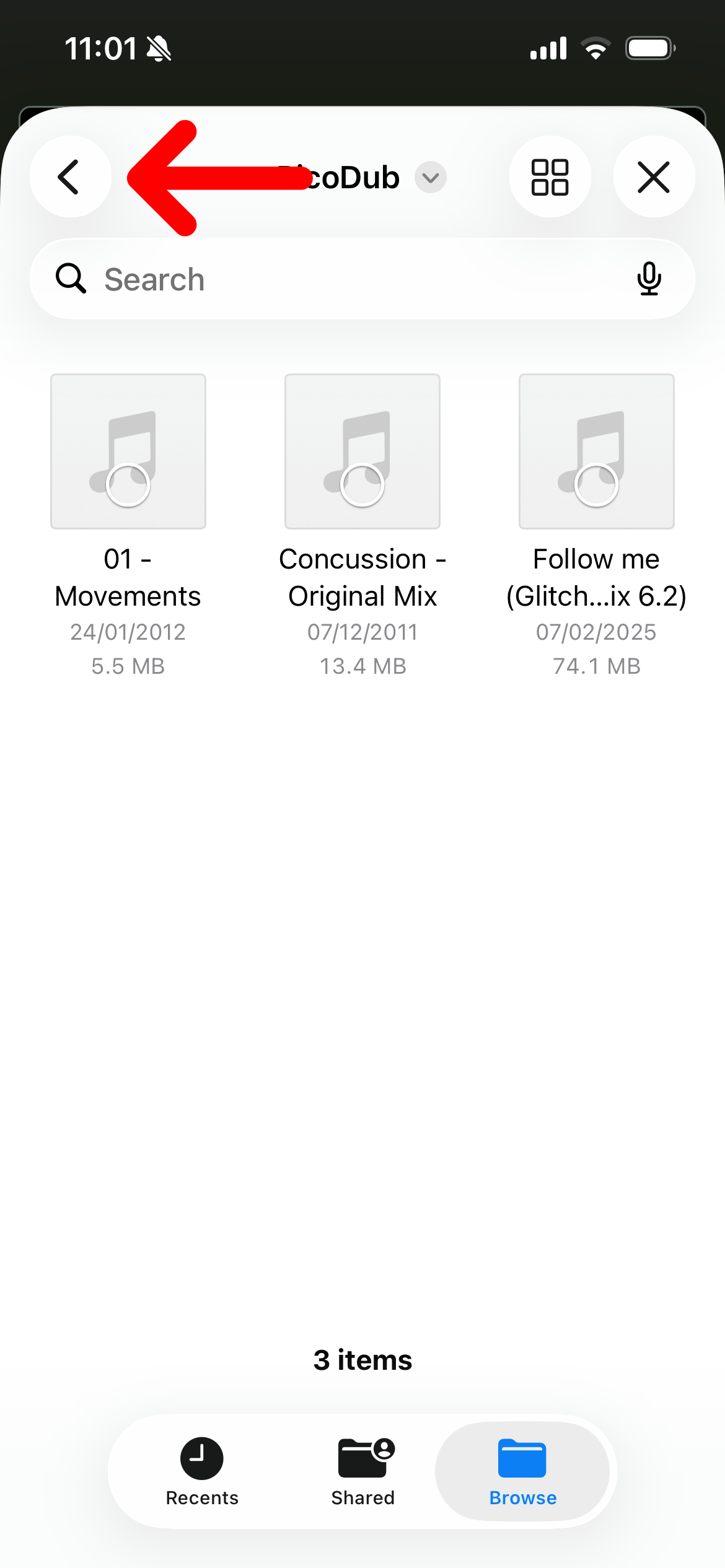
4. Select your cloud drive from the list under 'Locations'
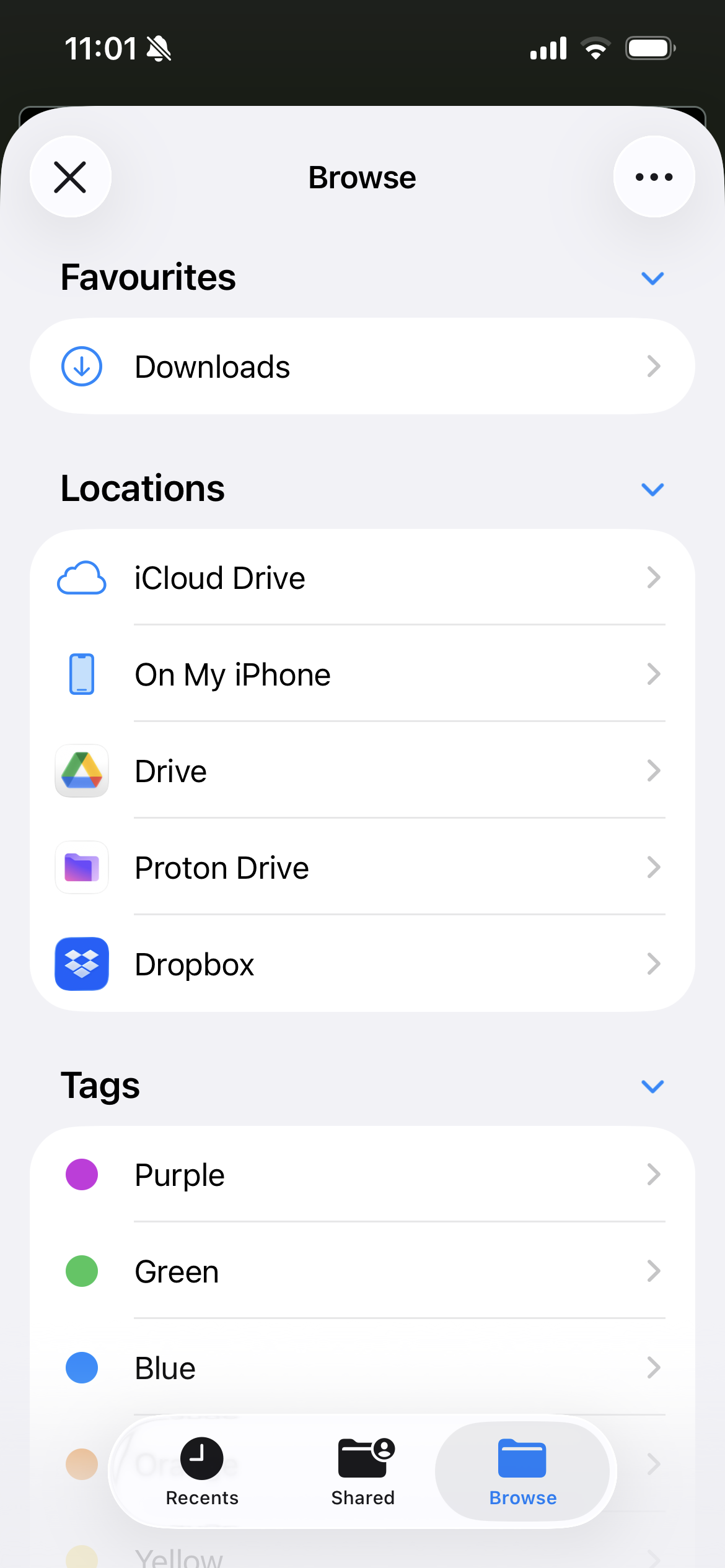
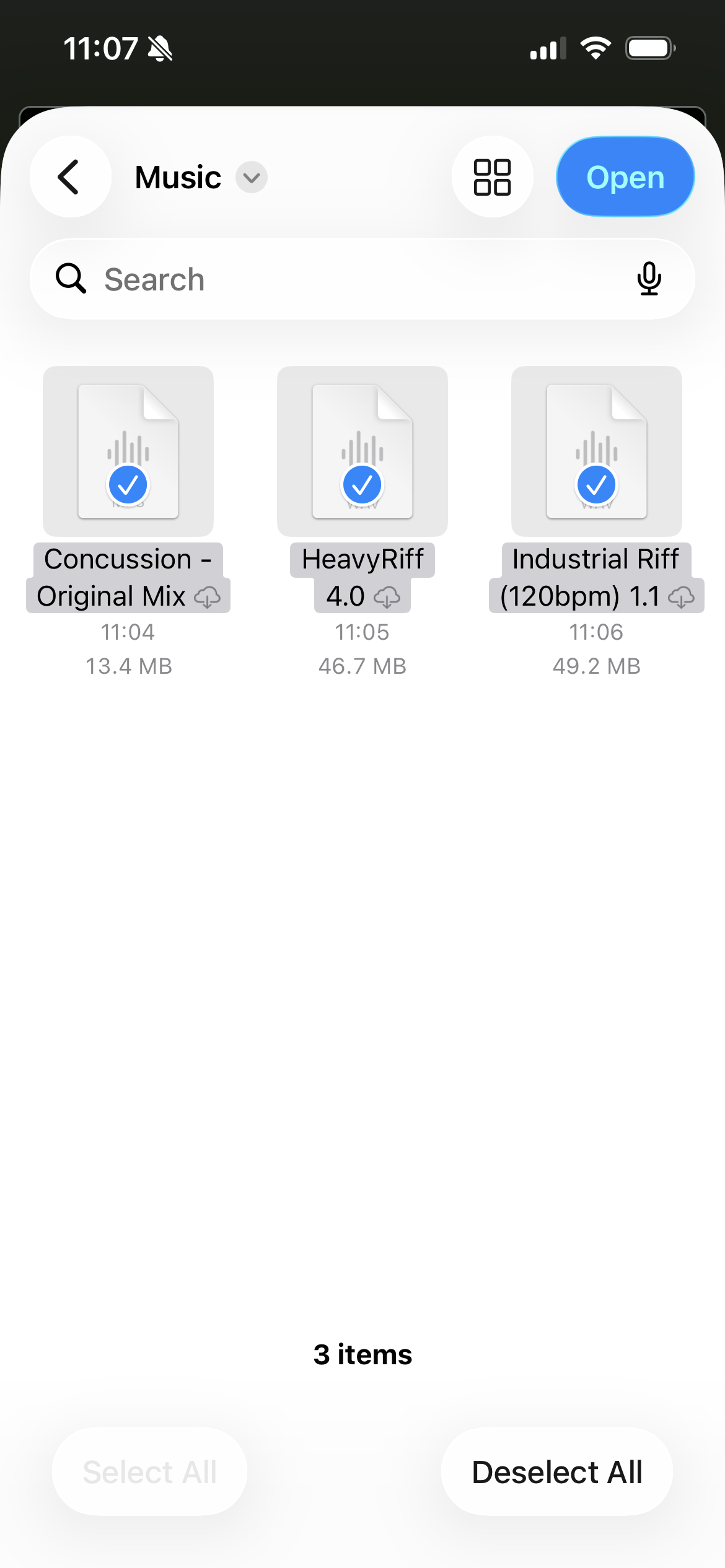
5. Navigate to the folder that contains your audio files and select the ones you want to open. Note that iOS will download the files locally to your device before opening them if they haven't been already.